Flutter or Native Apps: Which Suits Your Business?
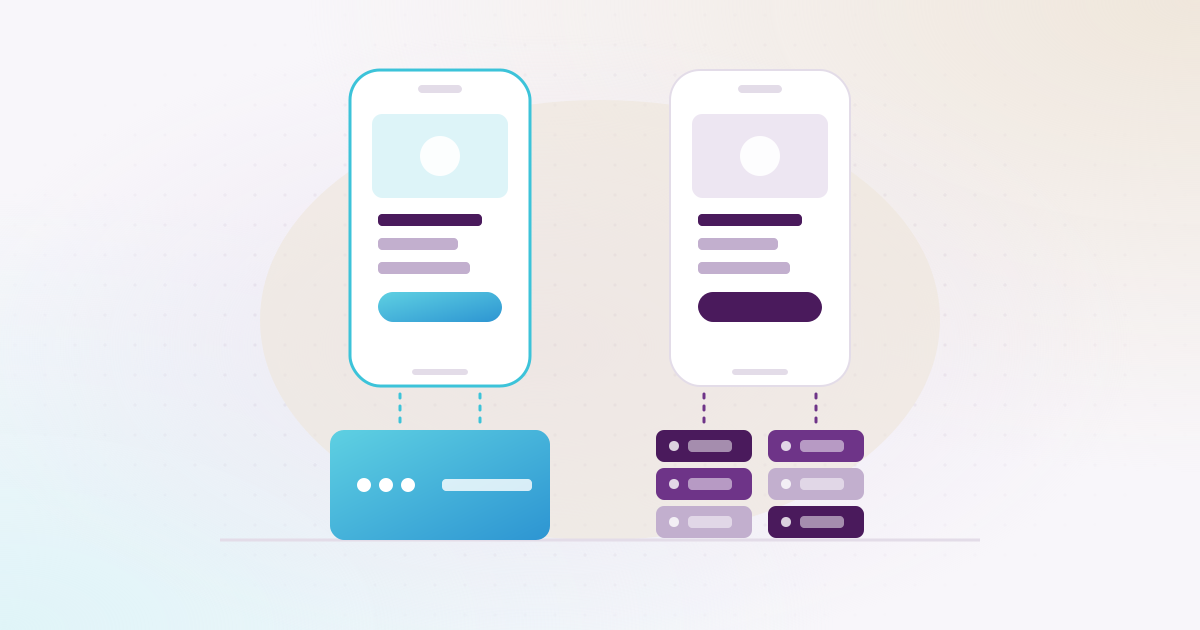
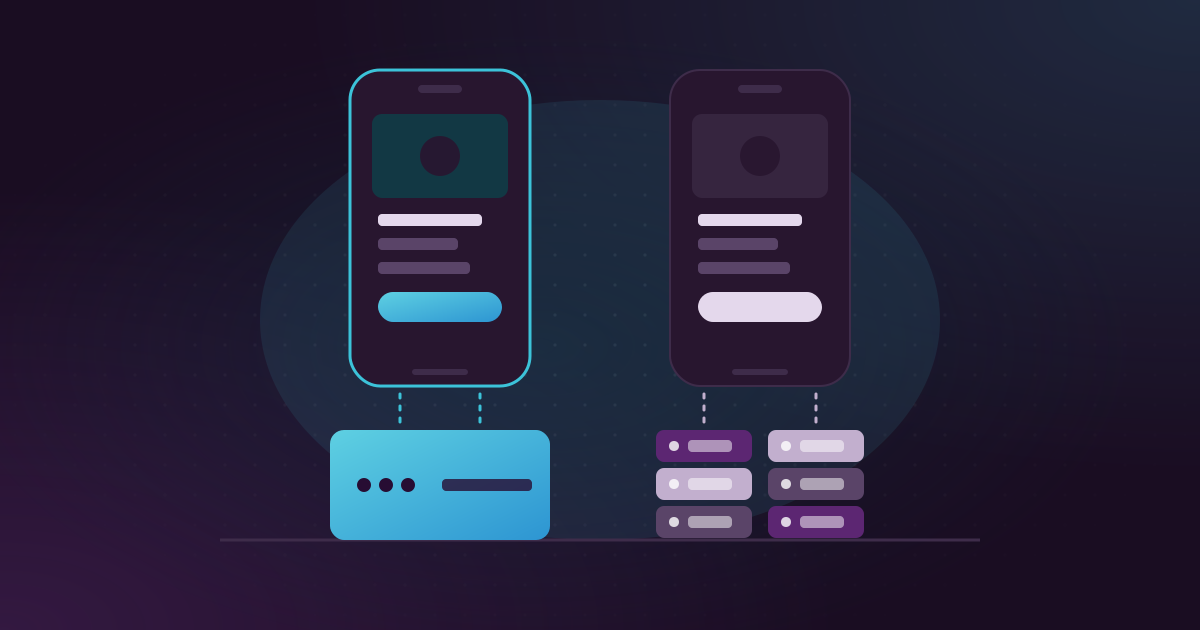
For most business apps in Qatar, Flutter is the practical choice: one codebase gives you an iPhone app and an Android app, built and updated together by one team. Native apps, written in Swift for iPhone and Kotlin for Android, make more sense when the app depends heavily on the phone’s own features, or when you already have a native app and a team that maintains it.
Akwad Programming builds both from our office in Doha, so we have no reason to push one over the other. This guide sets out the honest differences, when each one suits a company in Qatar, and the questions we ask before we recommend one. Facts about Flutter, Swift and Kotlin come from Google’s and Apple’s official pages, linked below and checked on 16 November 2026.
What is the difference between Flutter and native apps?
Flutter builds one app from a single codebase that runs on iPhone and Android. Native means two separate apps, each written with its platform’s own language and tools.
Flutter is an open-source framework supported by Google. You write the app once in a language called Dart, and Flutter compiles it to machine code for each platform. A native iPhone app is written in Swift, Apple’s language for its platforms. A native Android app is written in Kotlin, which Google recommends for new Android apps and calls Kotlin-first. Both kinds of app are published in the same stores, the App Store and Google Play, and the people who download them don’t see which one you chose.
How do Flutter and native apps compare?
Flutter wins on cost and speed for apps that run on both platforms. Native wins when the app needs the newest or deepest device features on the day they come out.
| What to compare | Flutter | Native (Swift and Kotlin) |
|---|---|---|
| Code | One codebase for iPhone and Android | Two codebases, one per platform |
| Team | One team, one language (Dart) | iOS and Android skills, often two developers |
| Cost to build | Most of the work is done once | Most screens and logic are built twice |
| Cost of each change | One change, tested on both platforms | The same change made in both apps |
| Phone features | Through plugins, or native code where none exists | Direct access to everything the platform offers |
| New Apple or Google features | Sometimes need native code until a plugin covers them | Available as soon as the platform releases them |
| Home screen widgets | The widget’s screen is written natively | Built with the platform’s own tools |
| Arabic, right-to-left | Supported through Flutter’s localisation tools | Supported by both platforms |
| An existing native app | Can be added screen by screen (“add-to-app”) | Continues as it is |
When does Flutter make sense for a company in Qatar?
Flutter suits apps built mainly from lists, forms, maps and payments that must run on both iPhone and Android. That covers most business apps.
Think of a customer ordering app, a driver app with delivery status and collections, a van sales app for routes and orders at the shop, or an app where staff request leave and send expense claims. These apps spend their time showing data from your system and sending data back. They need to look good in Arabic and English and to change often as the business changes. With one codebase, a new field on the order screen or a new payment method reaches both platforms in the same release, and your budget pays for one app instead of two.
Flutter also suits companies that want one team to own the app over the years. When the same people know the whole codebase, small changes stay small.
When is a native app the better choice?
Native is the better choice when the app’s main value sits in the phone itself: hardware connections, heavy camera or sensor work, or Apple’s and Google’s newest features.
Some examples:
- Platform features Flutter can’t draw. A home screen widget is one: Google’s own Flutter course says the widget’s screen can’t be drawn with Flutter and is built with SwiftUI on iPhone or Android layouts. If widgets are central to your app, native is simpler.
- Day-one features. If your app must use a new iPhone or Android feature as soon as it is released, native gives you access without waiting for a plugin.
- One platform only. An internal app for a team that all carries the same type of phone gains little from sharing code.
- An existing native app. If your app is already native and works well, rewriting it rarely pays. Flutter can be added to it screen by screen if you want to share new screens later.
Can a Flutter app use the phone’s camera, location and payments?
Yes. Flutter reaches the phone’s features through plugins, and where no plugin exists, the developer writes that part in Swift or Kotlin and calls it from Flutter.
Flutter’s documentation describes this directly: you look for a plugin that offers the platform feature, and if none fits, you create one or use platform channels to call native code. So choosing Flutter doesn’t shut you out of a feature. It means some features cost a little more because part of them is written natively. Camera, maps, location, push notifications, Apple Pay and Google Pay are everyday needs in business apps, and we plan how each one is built before the quote.
Does the choice matter more than what the app connects to?
Usually not: for a business app, the bigger decision is how it connects to your ERPNext, payment gateway and delivery operation. That is where most of the daily work sits.
Take Widam Food. The Android and iOS shopping apps, the driver app and the operator app all work on the same system, built on the Frappe platform. A customer’s address decides the branch, the products on offer and the delivery charge; payments go through the QNB Payment Gateway via CyberSource, QPay (Qatar Central Bank), Apple Pay and Google Pay; and drivers record deliveries and collections in their app. Whichever tool draws the screens, the work that makes this run is in the APIs, the rules and the tests behind them. That is why we look at your back end first, as described on our mobile app development page.
How do Flutter and native compare in cost over the years?
Flutter usually costs less to build and to keep up, because each change, fix and yearly update is made once. Native costs more over time because there are two apps to keep in step.
Every year Apple and Google change their systems, and apps must keep up. Google Play, for example, requires new apps and updates to target a recent Android version: since 31 August 2026, Android 16 (target API level). With two native apps, that kind of work, and every new feature, happens twice. For a full picture of what an app costs, including store fees and hosting, see our guide how much does a mobile app cost in Qatar.
Whichever you choose, make sure the code is yours. With Akwad Programming, the code belongs to you after the final payment, and we hand over passwords and settings, so another team can continue the work if you ever need it.
How do we help you choose?
We recommend Flutter or native after a short review of your users, the features on your list and the systems the app must reach. These are the questions we ask:
- Who uses the app, and do they carry iPhones, Android phones or both?
- Which phone features does it rely on: camera, location in the background, Bluetooth devices, widgets?
- How often will it change after launch?
- Do you already have an app, and in which technology?
- What does it connect to: ERPNext, payment gateways, maps, WhatsApp?
If you are weighing the two for your own app, send us the answers to these five questions, or talk to our team in Doha and we will go through them with you.