WhatsApp Business API in Qatar: Setup and Costs
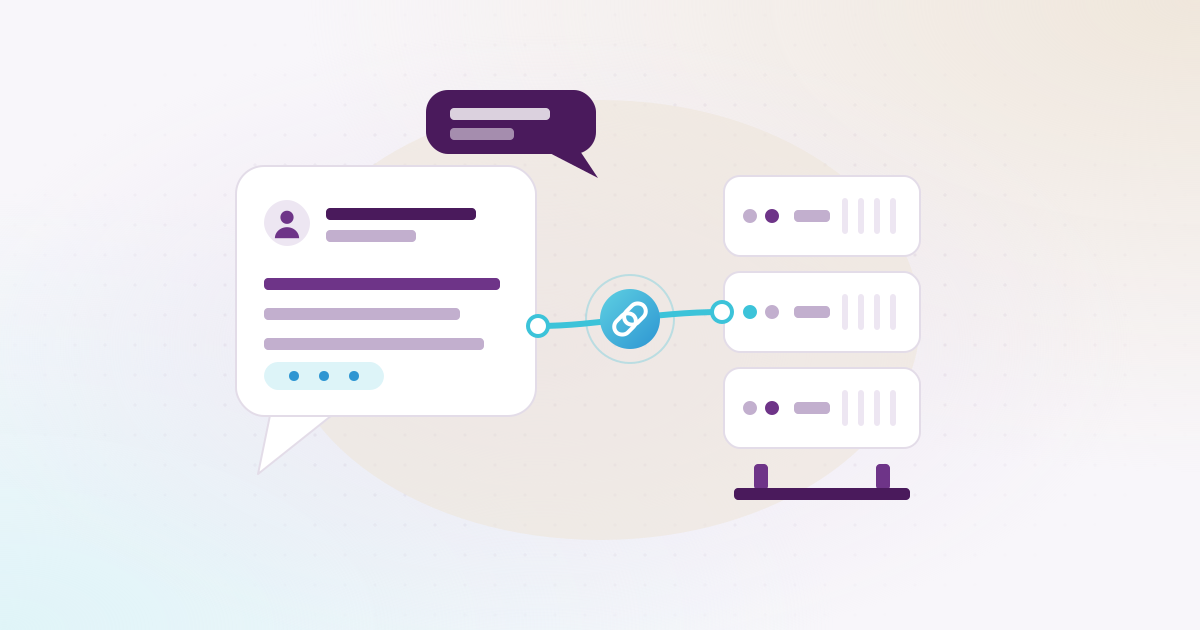
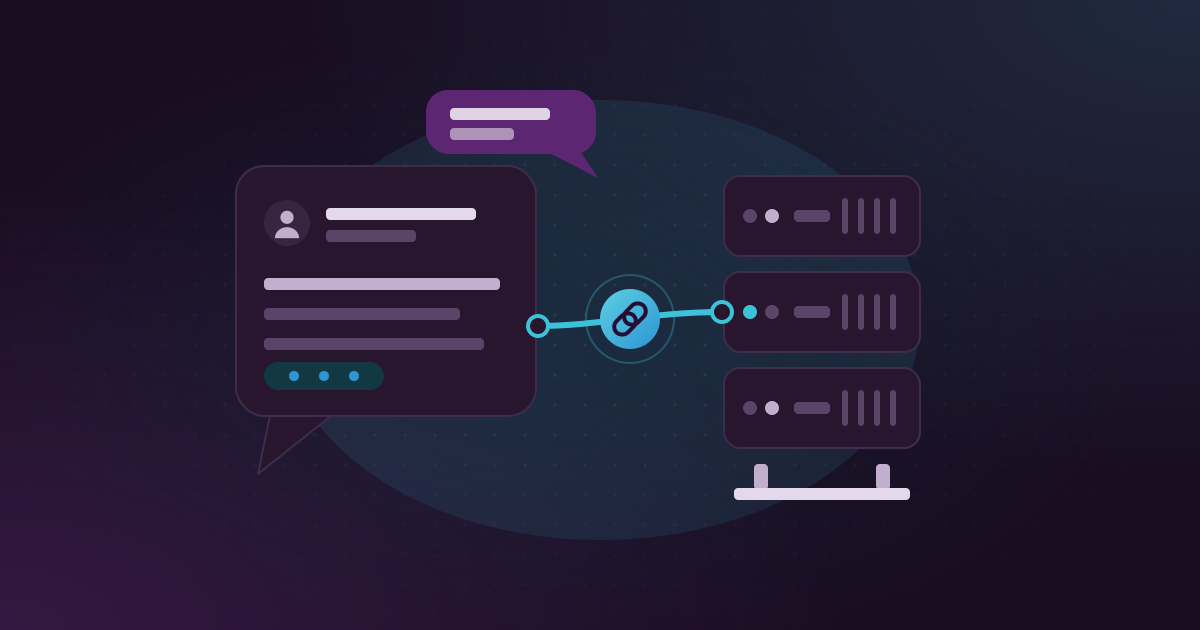
The WhatsApp Business API lets a company in Qatar send WhatsApp messages from its official number straight out of its own systems, such as ERPNext, an online store or a mobile app. To use it you need a Meta business portfolio, a phone number that isn’t already on WhatsApp and an approved display name. Meta charges for each delivered message at the rate it sets for Qatar, and you pay those fees to Meta directly.
Akwad Programming is an official Meta WhatsApp Tech Provider. From our office in Doha we set up the API and connect it to the systems companies already use. This guide was written on 16 November 2026, and Meta’s rules and prices below come from Meta’s developer documentation, checked that day. Meta updates its prices a few times a year, so open the links before you plan a budget.
Do you need the WhatsApp Business API, or is the WhatsApp Business app enough?
If one or two people answer customers by hand, the free WhatsApp Business app is enough. You need the API once messages should go out by themselves from your systems.
The app lives on a phone: someone reads, someone types, and the chats stay on that device. The trouble starts when a company sends hundreds of order confirmations a day, or when staff reply from their own phones and the customer history leaves with them.
The API has no screen of its own. It is a connection between your business number and your software. When an order is created, a driver starts a trip or an appointment is coming up, your system sends the right message and records whether it was delivered and read. Customer replies can go to a shared inbox for your team or to automated replies.
What do you need to get the WhatsApp Business API in Qatar?
You need a Meta business portfolio for your company, a phone number you own that can receive an SMS or a call, a display name, and a payment method for Meta’s message fees.
In more detail:
- A business portfolio. This is your company’s account in Meta Business Suite, which many people still call a Facebook Business account. If you already run Facebook or Instagram ads, you probably have one.
- A phone number. Meta’s phone number rules say the number must be owned by you, able to receive voice calls or SMS for the verification code, and have a country and area code. Short codes are not accepted. A number already used on WhatsApp can’t be registered until that WhatsApp account is deleted, so think twice before moving your main customer line. Some companies take a new number just for the API.
- A display name. This is the name customers see. Meta checks every display name against its guidelines and approves or rejects it, so use your real trading name.
- Business verification. Meta’s business verification is done in Meta Business Suite with your company’s documents. Keep your commercial registration at hand and type the company name exactly as it appears there. It matters because, under Meta’s messaging limits, a new business portfolio can send template messages to 250 different customers in a 24-hour period, and verifying your business is one of the ways to raise that to 2,000.
- A payment method. Added to your WhatsApp account, so Meta can bill your messages.
Meta runs these checks, and how long they take is up to Meta. We usually start writing your templates while they are in progress.
What are WhatsApp message templates, and which category are yours?
A template is a message written in advance that Meta must approve before you use it. Outside the 24-hour window after a customer’s last message, templates are the only messages you can send.
Meta’s template documentation says each template must be categorised as authentication, marketing or utility, and must be approved before it is sent. When a customer writes to you, a 24-hour customer service window opens, and inside it you can reply freely. Meta calls those replies service messages.
| Category | What it is for | Example |
|---|---|---|
| Authentication | One-time codes | Your login code for the app |
| Utility | An update on something the customer did or asked for | Your order is out for delivery; your appointment is tomorrow at 10:00 |
| Marketing | Offers, news and anything promotional | A Ramadan offer, a new branch opening |
| Service | Free replies inside the 24-hour window | Answering a question about opening hours |
The category decides the price, so it pays to get it right. We keep utility templates to the update itself and put offers in separate marketing templates. Each language is its own version of a template, and we write both Arabic and English, because a customer in Doha may read either.
How does Meta charge for WhatsApp messages in Qatar?
Meta charges per delivered message, by message category and by the customer’s country. Qatar has its own rate on Meta’s rate card, and messages customers send to you are free.
These points come from Meta’s WhatsApp pricing page, checked 16 November 2026:
- Per message since 1 July 2025. Meta moved from charging per conversation to charging per message. Older articles that talk about “conversations” are out of date.
- Only delivered messages are charged. A message that never reaches the customer’s phone costs nothing.
- Rates depend on category and market. Qatar is listed as its own market, so a message to a +974 number has its own rate, and a message to a customer’s number in another country is priced at that country’s rate. Meta publishes the rate cards as files for each billing currency.
- Replies inside the 24-hour window. From 1 October 2026, each business number gets 1,000 free delivered service messages a month, and service messages above that are charged. Utility templates sent inside an open window were free from July 2025, and are charged at the normal rate from 1 October 2026.
- Click-to-WhatsApp ads. When a customer messages you from one of these ads, a free window of up to 7 days opens, and messages in it are free.
- Volume tiers. Utility and authentication messages get lower rates as your monthly volume grows.
- When prices change. Meta changes prices only on 1 January, 1 April, 1 July or 1 October, and gives notice before it does.
We don’t copy Meta’s figures here, because they change. To estimate your own bill, count your monthly orders, appointments and logins, decide which of them get a message, and multiply by the rate for that category in Qatar. Campaigns to large customer lists are usually where the bill grows fastest.
Do you pay Meta, a BSP or a Tech Provider?
With a Tech Provider such as Akwad Programming, you add your own payment method and Meta bills you directly. A Solution Partner, often called a BSP, can bill you for messages itself.
Meta’s page on solution providers sets out the difference. Solution Partners have a credit line with Meta and can invoice their clients. Tech Providers can offer the same range of services, but they have no credit line. Their clients add their own payment method after onboarding, Meta bills the clients for API usage, and the Tech Provider bills only for its own work.
In practice, you see Meta’s charges on your own account, exactly as Meta bills them, and if you ever change provider, your billing doesn’t move. Our setup and integration work is a separate line in our quotation.
What do companies in Qatar use the WhatsApp Business API for?
Most use it for one-time codes, order and delivery updates and appointment reminders, sent automatically in Arabic and English from the systems they already run.
- OTP codes. An app or website sends the sign-up or login code on WhatsApp instead of SMS.
- Order updates. Confirmed, being prepared, out for delivery. For Widam Food, WhatsApp campaigns and delivery notifications replaced SMS, and customers answer short surveys inside WhatsApp.
- Reminders. At Basma Medical Center, patients get an appointment reminder in Arabic or English before their visit. Daily use taught us things you only find in production: reminders now skip public holidays, a rescheduled appointment no longer sends a second message, and bulk sending was sped up so it didn’t slow the system.
- Staff alerts. A manager is told on WhatsApp that an approval is waiting in ERPNext.
How do you get started with the WhatsApp Business API?
Activate your number on our activation page, then we write your templates, connect WhatsApp to your system and test every message before going live.
- Activate. On our WhatsApp activation page, sign in with Facebook and choose your business portfolio, phone number and display name.
- Billing. Add your payment method in Meta for the message fees.
- Templates. We write your templates in Arabic and English and submit them to Meta for approval.
- Connection. We connect the API to ERPNext, your app or your website, and decide which event sends which message.
- Testing and go-live. We test each message with real cases, then switch on. Our support team in Doha is there after go-live.
A good first step is to list the three questions customers ask most on the phone, such as “where is my order?”. Those are usually your first templates. Our page on WhatsApp Business API setup and integration in Qatar shows what we connect it to. If you also take payments online, read our guide to payment gateways in Qatar, or talk to our team in Doha.