ERP Implementation in Qatar: Steps and Timeline
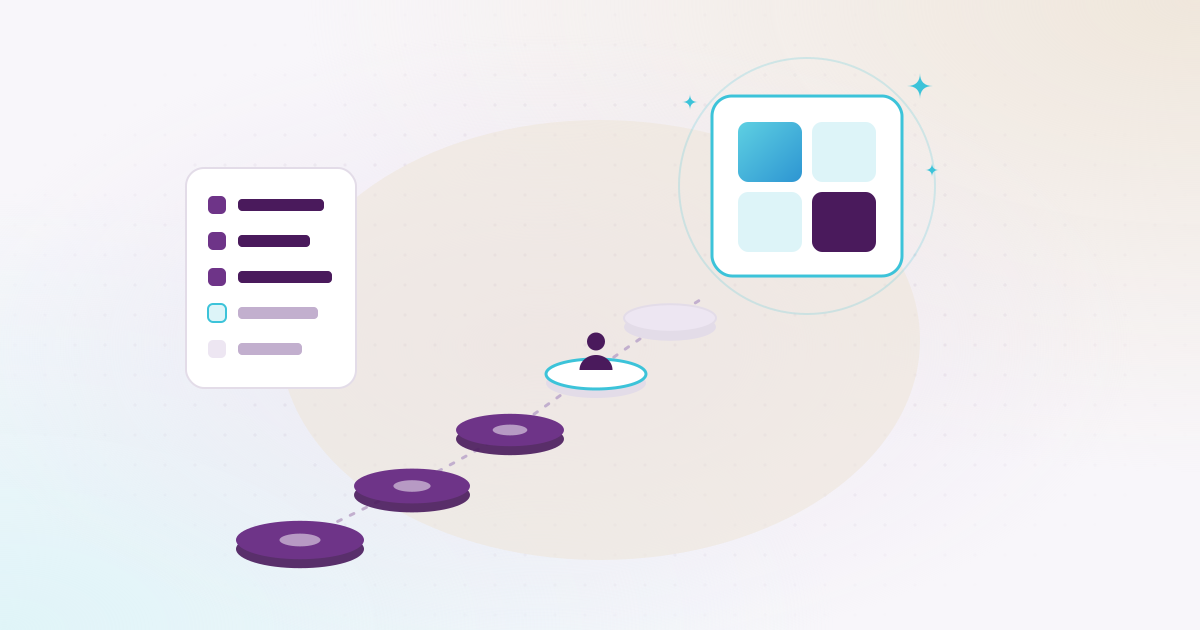
An ERP implementation in Qatar runs in six steps: a short review and a written quotation, setup, moving your data, training, go-live, and support after launch. How long it takes depends less on the software than on how many modules you start with, how clean your data is and how quickly your team answers.
Akwad Programming implements ERPNext for companies in Qatar from our office in Doha. This guide follows the way we run our own projects: the steps, what really sets the timeline, and the mistakes we see most often. It was written on 16 November 2026. ERPNext is open source under the GPLv3 licence (ERPNext on GitHub, checked 16 November 2026), so there is no licence fee and what you pay for is the work. We don’t quote a standard number of weeks here, because the agreed timeline is written into each quotation.
What are the steps of an ERP implementation?
There are six steps, and each module goes through all of them: review and quotation, setup, data, training, go-live and support. That is why you can start with a few departments and add the rest later.
| Step | What happens | What your team does |
|---|---|---|
| 1. Review and quotation | We meet each department, look at today’s invoices, payslips and reports, and agree the scope. You get a fixed quotation with the scope and timeline | Share samples and name one person who decides |
| 2. Setup | Companies, accounts, warehouses, roles, approvals and print formats in Arabic and English. Extra features are estimated separately and start only after you approve them | Answer questions and check each part as it’s ready |
| 3. Moving your data | We send ready Excel templates for customers, suppliers, items, opening balances and bank statements, check them and load them | Fill in the templates on time |
| 4. Training | Two sessions of two hours for each module, plus a session for managers on reports | Attend with real examples from their own work |
| 5. Go-live | Your team starts working in the system. Every module has a free warranty from delivery | Use it every day and report anything odd |
| 6. Support | An optional yearly support plan (AMC) for help, bug fixes, backups and updates | Raise requests with our support team |
The full service is described on our ERPNext implementation page, and every module is listed on ERP system in Qatar.
Is the work done at your office or remotely?
Both. Workshops with each department and the training sessions take place at your office in Qatar, and day-to-day questions are handled by email, WhatsApp or remote sessions.
Sitting with the storekeeper in the warehouse, or with the accountant on the day she reconciles the bank, shows things a meeting room doesn’t. You see which Excel sheet people really trust and where approvals get stuck on WhatsApp. After that, most of the setup questions are short ones that a call or a message can settle, so nobody needs to wait for the next visit.
How long does an ERP implementation take in Qatar?
There is no honest single number. It depends on the modules, the number of companies and branches, the state of your data, any custom work, and how fast your team answers. The agreed timeline goes in your quotation.
These are the things that move it:
- Modules: a company starting with accounting and inventory needs less time than one adding payroll, manufacturing and custom work.
- Structure: each extra company, branch or warehouse adds setup and checking.
- Data: clean templates returned on time keep the plan; late or half-filled ones push back everything after them.
- Connections: a WPS salary file for your bank, payment gateways or attendance devices are each a piece of work with their own testing.
- Custom work: a new report, screen or workflow is estimated and approved on its own, and adds its own time.
- Decisions: when one person can say yes or no within a day or two, the project keeps moving.
Plan around your own busy dates as well. The salary run at the end of the month, the year-end closing, Ramadan and the Eid holidays all change people’s schedules. Training a week before Eid, or going live on the day payroll is due, makes life harder for everyone.
Should you start with every department, or just a few?
Start with the departments where the pain is greatest, often accounts and stock, and add the rest later. Each module is set up, trained and covered by its own warranty, so a phased start costs nothing in quality.
A phased start also spreads the cost and lets people learn one part at a time. The accounts team gets used to the system first. By the time HR and payroll join, there are colleagues in the office who can already answer the simple questions. What ERP work costs, line by line, is covered in our guide how much an ERP system costs in Qatar.
What are the most common ERP implementation mistakes?
Most delays come from the company’s side rather than the software: data that comes back late, nobody owning decisions, custom work before the standard has been tried, and training at the wrong time.
- No single owner. When finance, stores and HR each wait for someone else to decide, the project stalls. Name one person who owns the data and the decisions.
- Templates left until the last week. Everything after the data step waits for it. Start cleaning customer and item lists in the first week.
- Moving every year of history. Opening balances and open documents are often enough. The old system can stay available for reference, which is simpler and cheaper.
- Customising before trying the standard. We check how much of each need ERPNext already covers before we suggest custom work. Every custom piece has to be checked again at each upgrade, so keep it for what really matters.
- Training too early, or on demo data. People forget what they learned a month ago. Training close to go-live, on your own setup, sticks.
- Not checking opening balances. Before go-live, your accountant should compare the opening balances with the old system, so you start from figures you trust.
- Leaving managers out. If managers don’t know where their reports are, they ask for Excel again. That’s why managers get their own session.
What does an ERP implementation look like in a real company?
At Asklan for Trading and Agriculture Company, we set up standard ERPNext first, trained the team, and then refined the system as real cases came up in daily work. It is live in production today.
The first phase covered accounts, stock, sales, purchasing, assets, HR and payroll, and projects. Once the team was working in the system, the real cases started to show: leave encashment, final settlements, cheque states and expenses posted through journal entries. Project payroll needed the most thought, and once its logic had proved itself in daily use, we moved it into a separate custom app that can be reused. Point of sale was left out at the start and added later. Today a yearly support plan covers remote support, site visits, cloud hosting and daily backups.
The lesson we take from it: go live on the standard system, then improve it from real use rather than from guesses made in the first meeting. The full story is in our work with Asklan.
What happens after go-live?
Every module has a free warranty from delivery, during which we fix any bug in what we built. After that, an optional yearly support plan covers help, bug fixes, backups and updates.
The first weeks bring small requests: a report that needs another column, or an approval that needs one more step. Later, ERPNext upgrades are tested on a separate test copy of your system before they reach the live one. You own the code we build for you after the final payment, and we hand over every password and setting. If another company set up your ERPNext, we can review it and take it over rather than starting again. If you’re still choosing a system, our ERPNext vs Odoo comparison and the page on moving from Odoo to ERPNext can help.
How should you prepare before the first meeting?
Bring the documents your company already lives by, and a short list of what hurts. That’s enough for a useful review and a fixed quotation.
- The departments you want in the system first, and roughly how many people will use it.
- One sample each of a sales invoice, a payslip, a customer statement and the reports managers ask for.
- The systems to connect: your bank for the WPS file, payment gateways, attendance devices, your website or apps.
- The name of the person who will own the project on your side.
If invoicing is part of your plan, our note on e-invoicing in Qatar explains what has been announced so far and what you can tidy up now.
When you’re ready, see how we run a full project on our ERPNext implementation page, or book a demo with our Doha team and bring your own cases.